FreeStyle Libre and Flash vs Real-Time CGM Explained

FreeStyle Libre is a continuous glucose monitoring family. The word “flash” traditionally describes intermittently scanned CGM: the sensor collects data, and the user scans to view it. Real-time CGM sends results automatically to a compatible display.
The distinction has become less straightforward as apps and product versions change. Choosing by the word “flash” alone can lead to mistaken assumptions about readings and alerts.
Does every Libre need scanning for every reading? No single answer covers all Libre systems worldwide. Abbott’s current US setup information describes automatic updates with its Libre app for supported Libre 2, 2 Plus, 3 and 3 Plus sensors. That does not establish that every imported sensor, app or reader combination in Pakistan has identical functionality.
Check the instructions for the exact sensor region and display you plan to use. Ask whether scanning is needed to start the sensor, obtain readings or recover stored data. Those are separate functions.
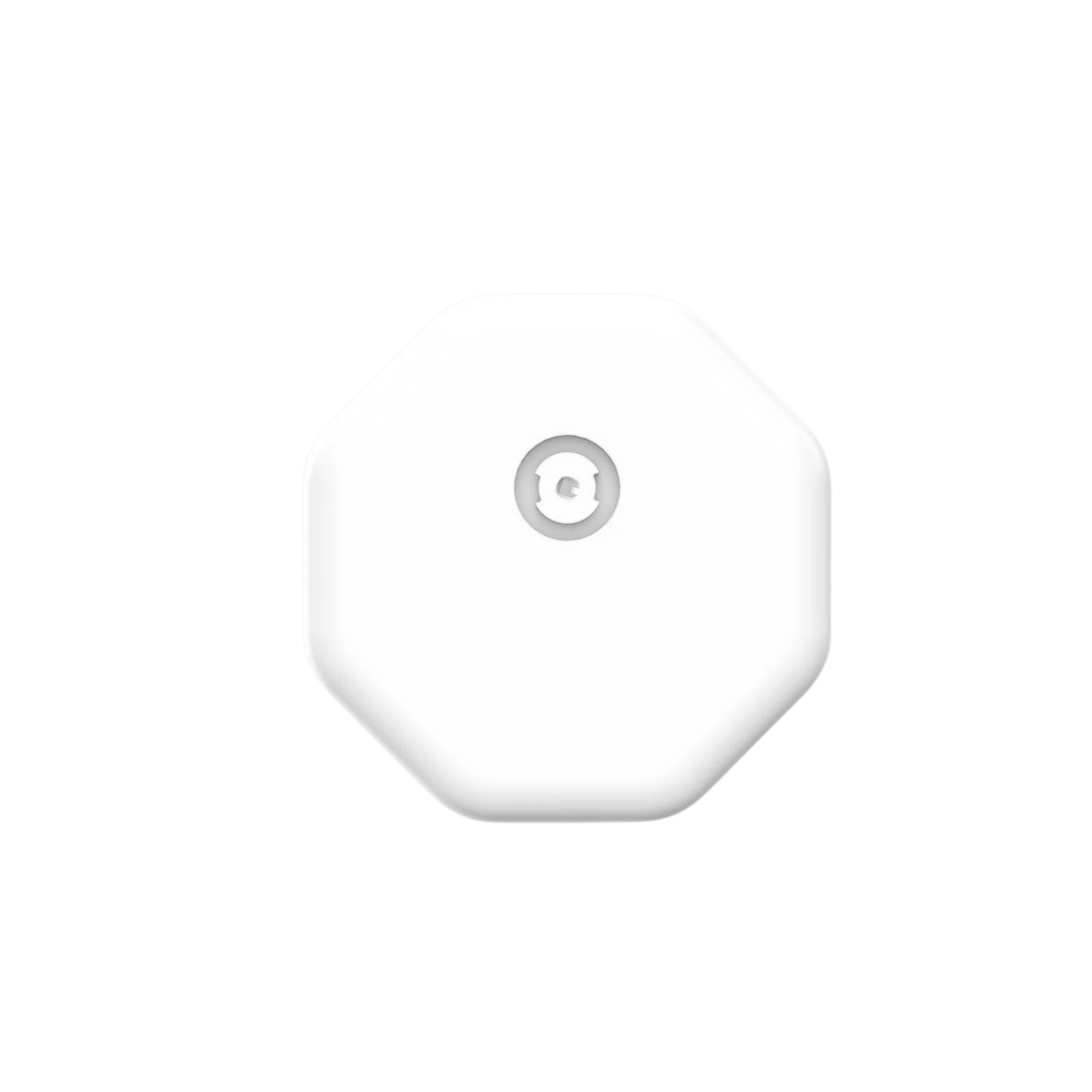
Libre 2 versus Libre 2 Plus Abbott identifies the standard Libre 2 as a 14-day sensor and Libre 2 Plus as a 15-day sensor in its US information. The “Plus” name therefore matters when comparing replacement schedules. Do not assume that a box with a similar design is the same product.
Our catalogue includes FreeStyle Libre 2 Plus and an Abbott FreeStyle Libre 2 sensor listing. Check the current stock status and supplied regional version on the product you intend to order.
Reader or smartphone? A dedicated reader may suit someone who prefers a separate screen. A supported phone can reduce the number of devices carried. Neither choice should be made before checking compatibility. Abbott maintains phone and operating-system lists, and an unlisted device should not be assumed to work reliably.
An existing Libre reader is not a universal reader for every glucose sensor. Before opening a new sensor, confirm the exact reader model, regional compatibility and startup procedure. This is especially important if someone else bought the reader abroad.
Compare the alerts you actually need Ask whether the planned setup supports high and low glucose alerts, what phone permissions it needs and what happens outside wireless range. Confirm whether caregiver sharing requires another app and internet access. A promise that a device has “alarms” is incomplete without these details.
A practical buying decision Bring your phone model, operating-system version and any existing reader details to the comparison. Ask your care team whether the available alert and sharing features fit your treatment plan. Keep a backup meter for the situations described in the sensor instructions.
You can compare CGM sensors and prices in Pakistan after confirming the system configuration. A compatible setup with dependable replacement supply is more valuable than buying a sensor solely because its name is familiar.
Related guides
CGM Apps, iPhone Compatibility, Data Sharing and Privacy
CGM vs Glucometer: Why Readings Differ and When to Check
Sources
Abbott: Identifying Libre 2 and Libre 2 Plus sensors
Abbott: Phone and operating-system compatibility
Abbott: FreeStyle Libre system setup
Prepared by CGM Pakistan. Sources checked 8 November 2026. This educational guide has not been independently reviewed by a clinician. Follow the instructions for your supplied device and your healthcare professional’s advice.