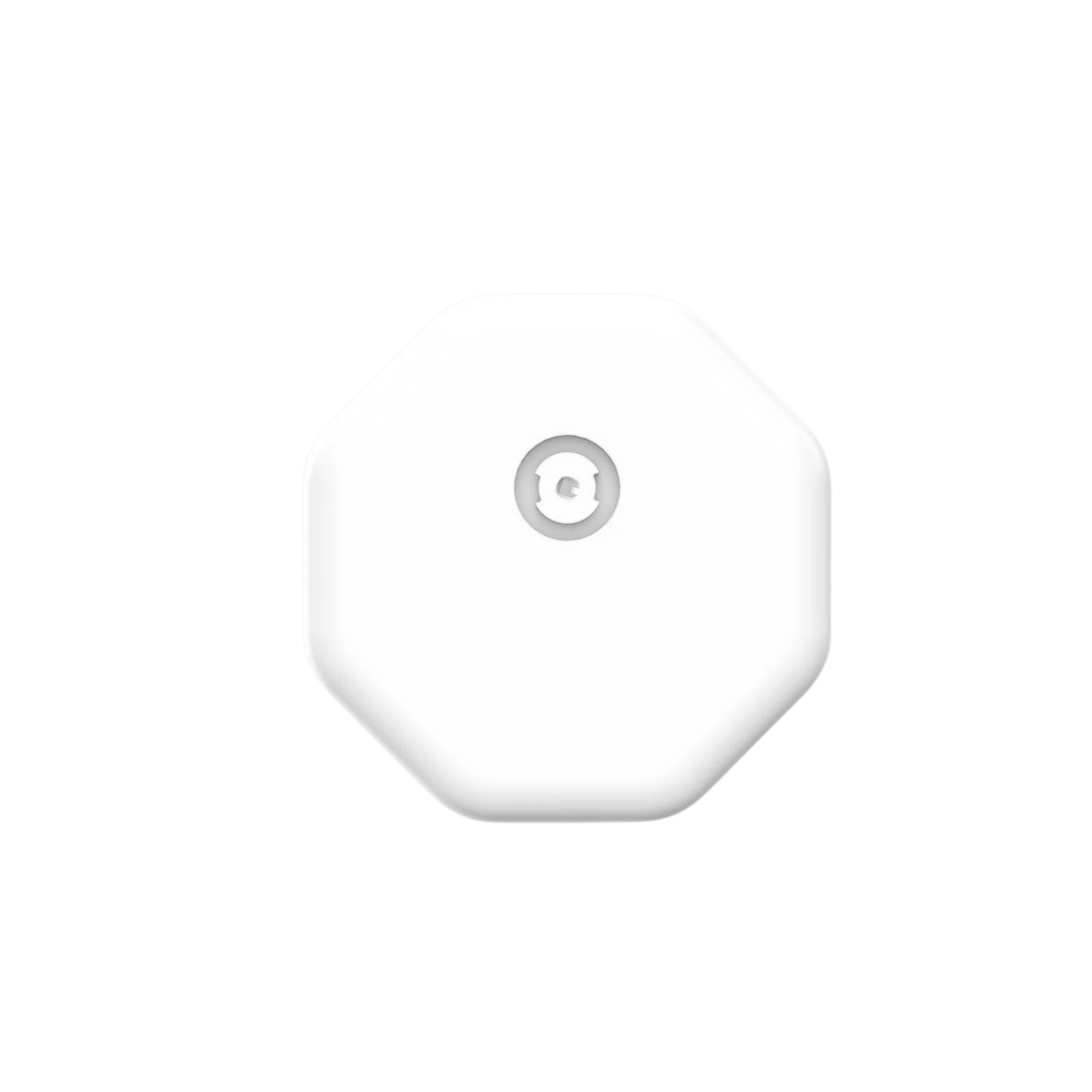
Accu-Chek SmartGuide CGM: Wear Time and Calibration

Accu-Chek SmartGuide is Roche’s continuous glucose monitoring system. It should not be confused with a conventional Accu-Chek finger-prick meter or with older search results for Accu-Chek Insight CGM. The exact product name matters because setup and calibration instructions are system-specific.
For someone considering SmartGuide, the most important practical detail is the initial calibration routine. Knowing that routine before applying the sensor helps avoid treating early readings as if setup were already complete.
How long does the sensor work? Accu-Chek Pakistan’s sensor information gives a wear period of up to 14 days. At the end of that period, the sensor stops sending data and needs replacement. Plan your next sensor before the current one expires, and check that the replacement is the correct regional product.
When comparing cost, distinguish one sensor from a multipack and include the meter strips required for calibration and backup testing.
Trend Mode and Therapy Mode The Pakistan FAQ describes a one-hour warm-up followed by Trend Mode, with readings sent every five minutes. It says not to use these initial Trend Mode readings for treatment decisions such as insulin dosing.
Around 12 hours after insertion, the app prompts the first calibration. A second finger-prick calibration is required 30 minutes to three hours later when prompted. The manufacturer explains that missing the second step returns the sensor to Trend Mode. Follow the current app prompts and supplied manual for your version.
Prepare before applying a sensor Keep a suitable blood glucose meter and its strips ready. Choose a start time when you can complete the later prompts and obtain help if needed. Check the app name and phone support using the Pakistan product documentation, since regional app naming and availability can differ.
Make sure you understand how the app indicates its current mode. If a family member helps with setup, show them the calibration instructions too. A notification that appears many hours after insertion should not come as a surprise.
If a reading does not match how you feel Accu-Chek advises checking with a finger-prick meter and seeking clinical advice if results repeatedly do not fit your symptoms. Do not ignore symptoms just because the sensor screen looks reassuring. Ask your diabetes team which action plan to follow while a reading is being checked.
Questions to resolve before purchase Confirm the supplied version, expiry date, supported phone, app availability, required meter and written replacement process. Ask your clinician whether the labelled population and operating requirements suit your circumstances. The same brand name on a glucose meter does not establish that every meter connects to the sensor app.
SmartGuide was not among the published products found in our current catalogue review, so this guide does not claim stock or quote a local offer. Browse CGM Pakistan’s current sensor listings for products presently listed, and use the manufacturer’s Pakistan instructions when evaluating SmartGuide separately.
Related guides
CGM vs Glucometer: Why Readings Differ and When to Check
How to Choose a CGM System: Brands, Features and Support
Sources
Accu-Chek Pakistan: SmartGuide sensor FAQs
Prepared by CGM Pakistan. Sources checked 8 November 2026. This educational guide has not been independently reviewed by a clinician. Follow the instructions for your supplied device and your healthcare professional’s advice.